Listo para tu perfil
Banner cinemático, tarjeta destacada y copy en inglés. Descarga, sube, brilla.
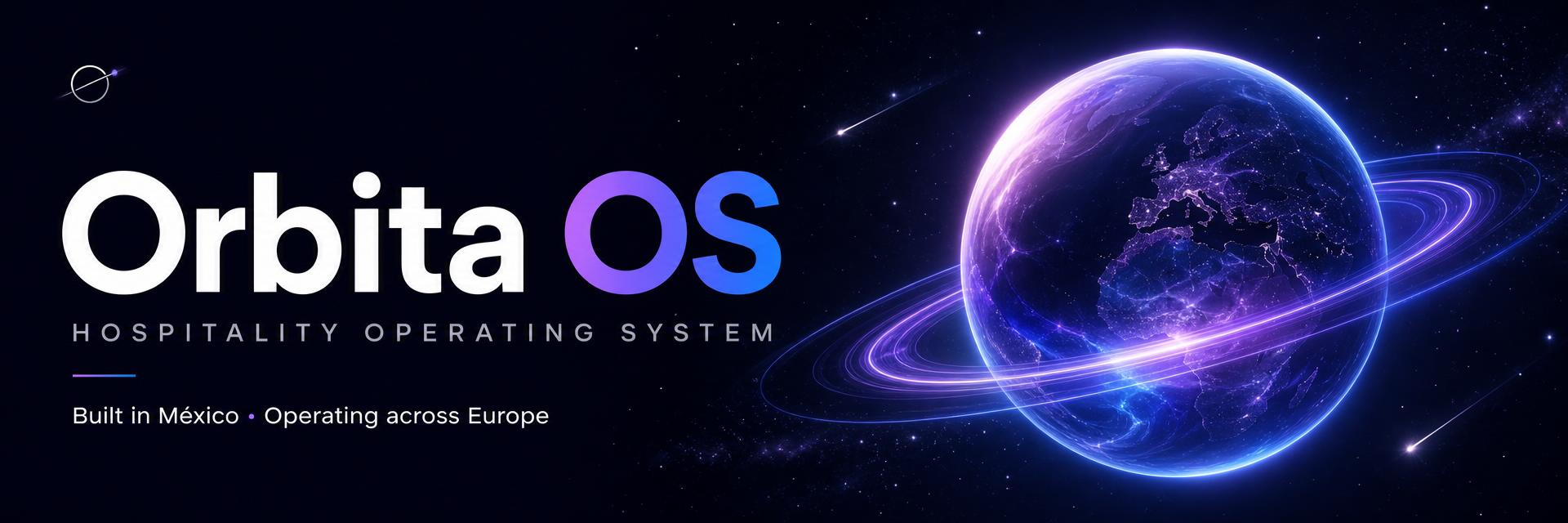
1. Cover banner
1920×640 · LinkedIn recomienda 1584×396 — se recorta perfecto
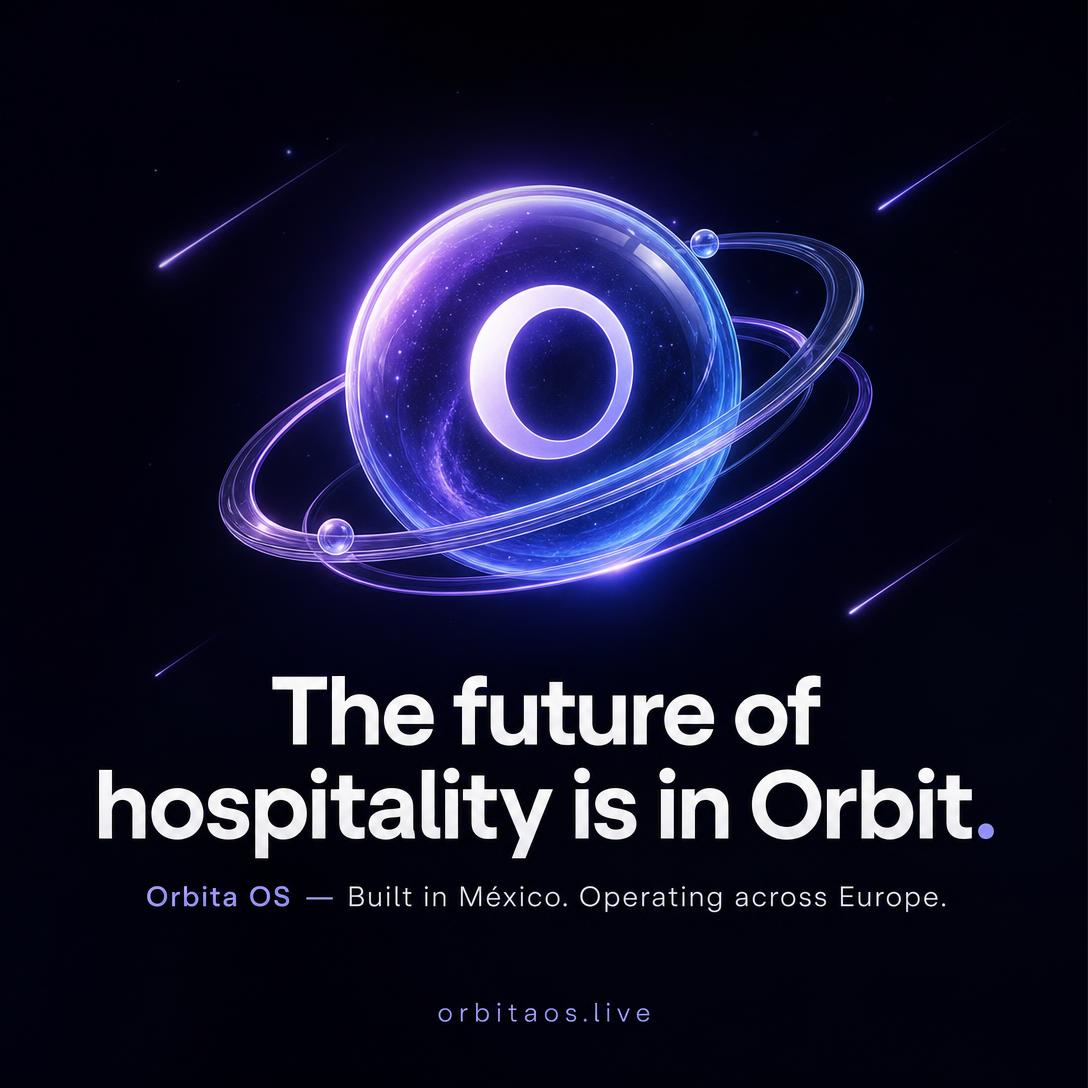
2. Featured / Post card
1080×1080 · Sección Featured o post cuadrado
3. Films — English (descargables)
Voz y subtítulos en inglés · «Built for hospitality by people who live hospitality»
Adaptive OS — 80 s
Business DNA, módulos adaptativos, food cost / pour cost, velocidad de servicio
Showcase — 71 s
Floor en vivo, comanda por voz, pagos NFC, AI Copilot
4. Advantage pack — imágenes
14 imágenes con logo, slogan y ventajas reales · 1920×1080, 1080×1080 y 1080×1920
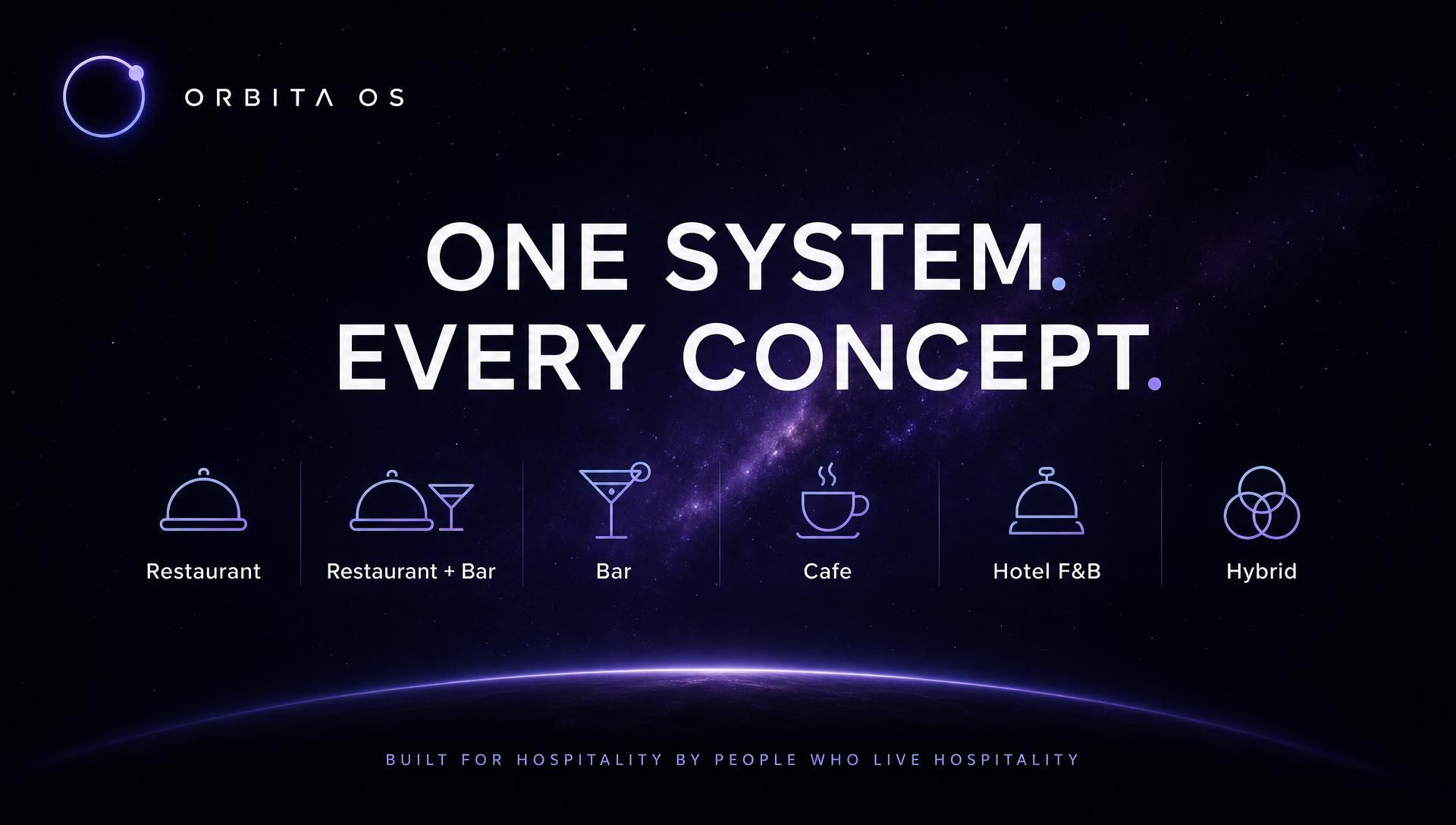
One system. Every concept. — Business DNA
1920×1080
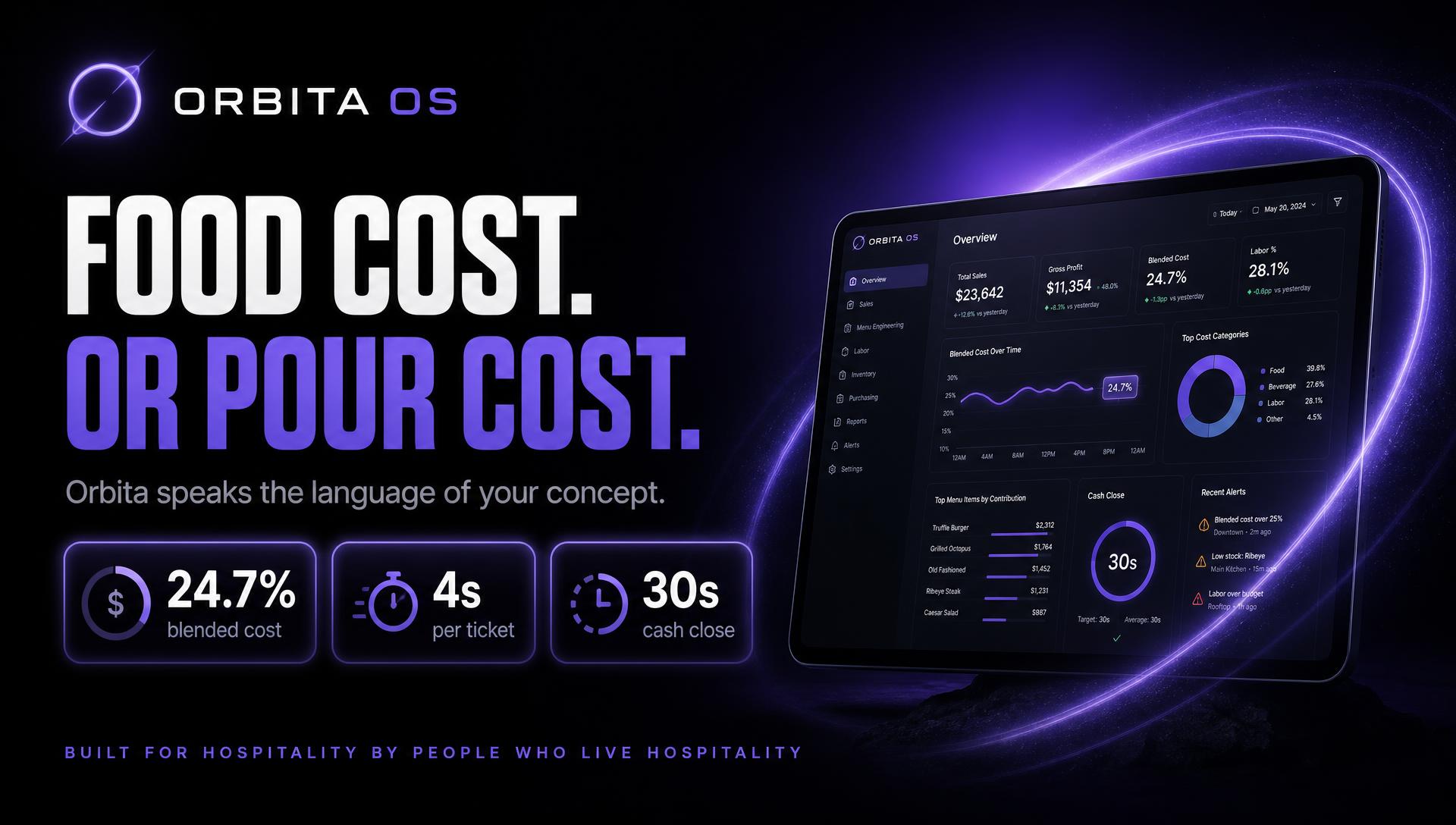
Food cost. Or pour cost. — habla tu oficio
1920×1080
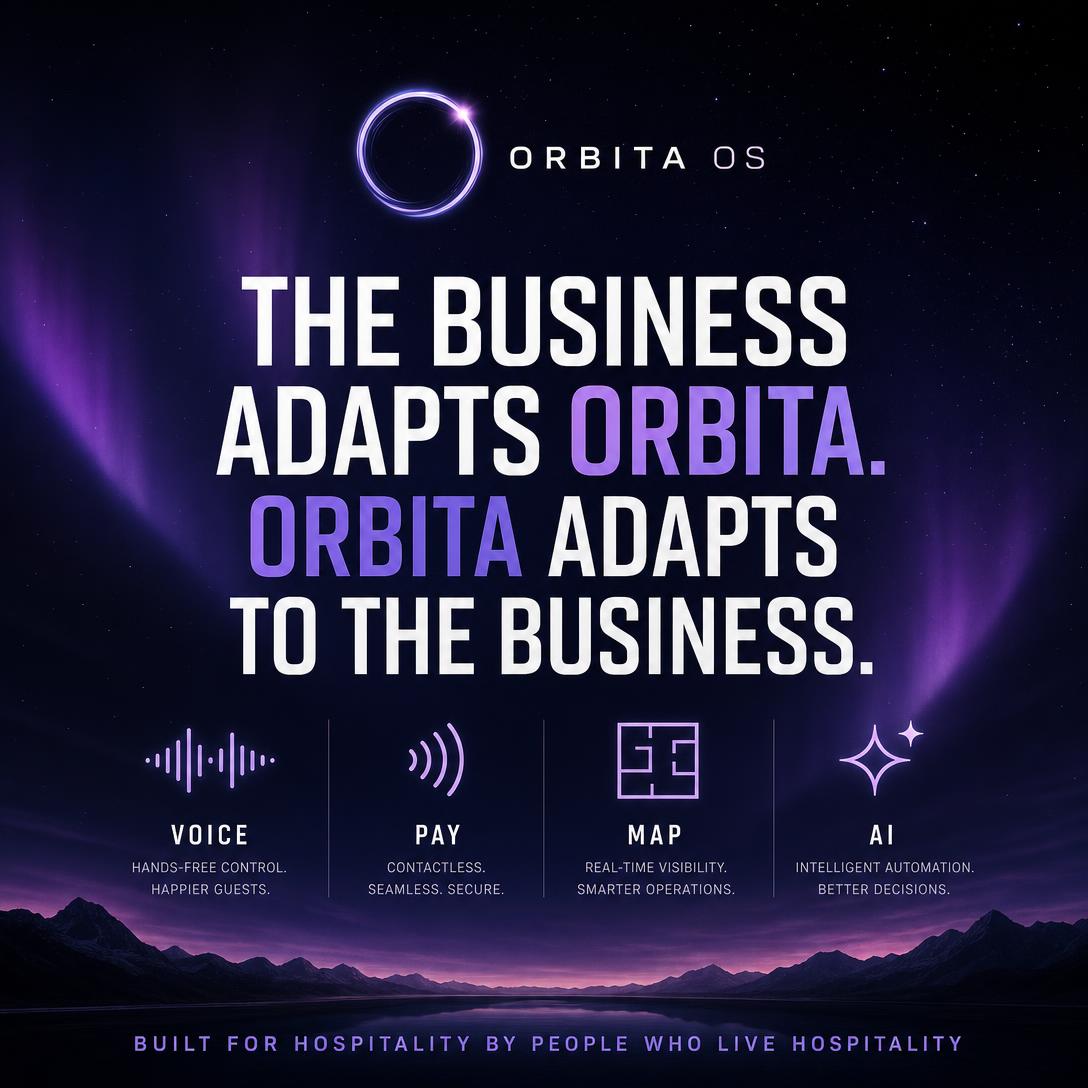
The business adapts Orbita — post cuadrado
1080×1080
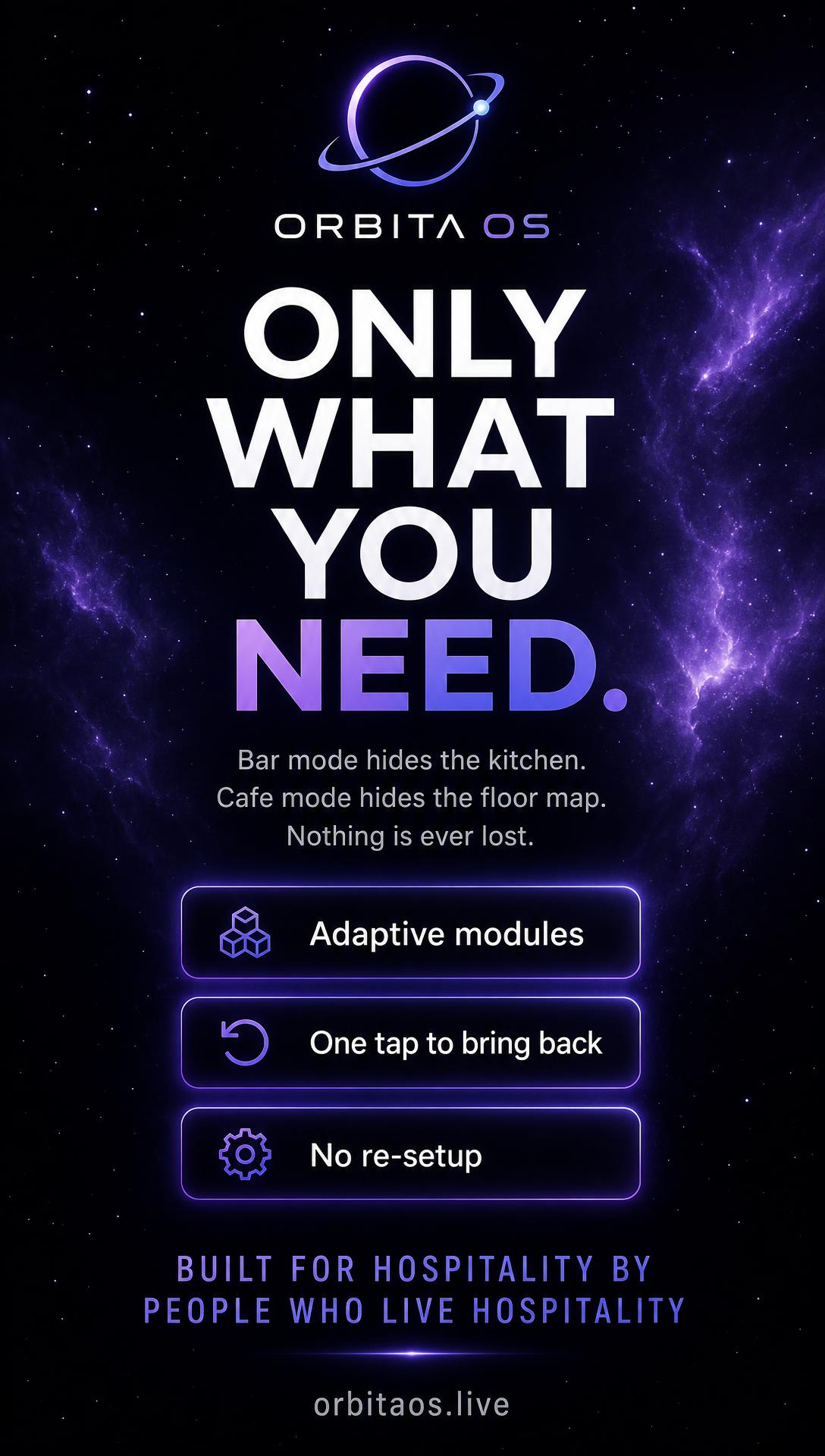
Only what you need — story / reel
1080×1920
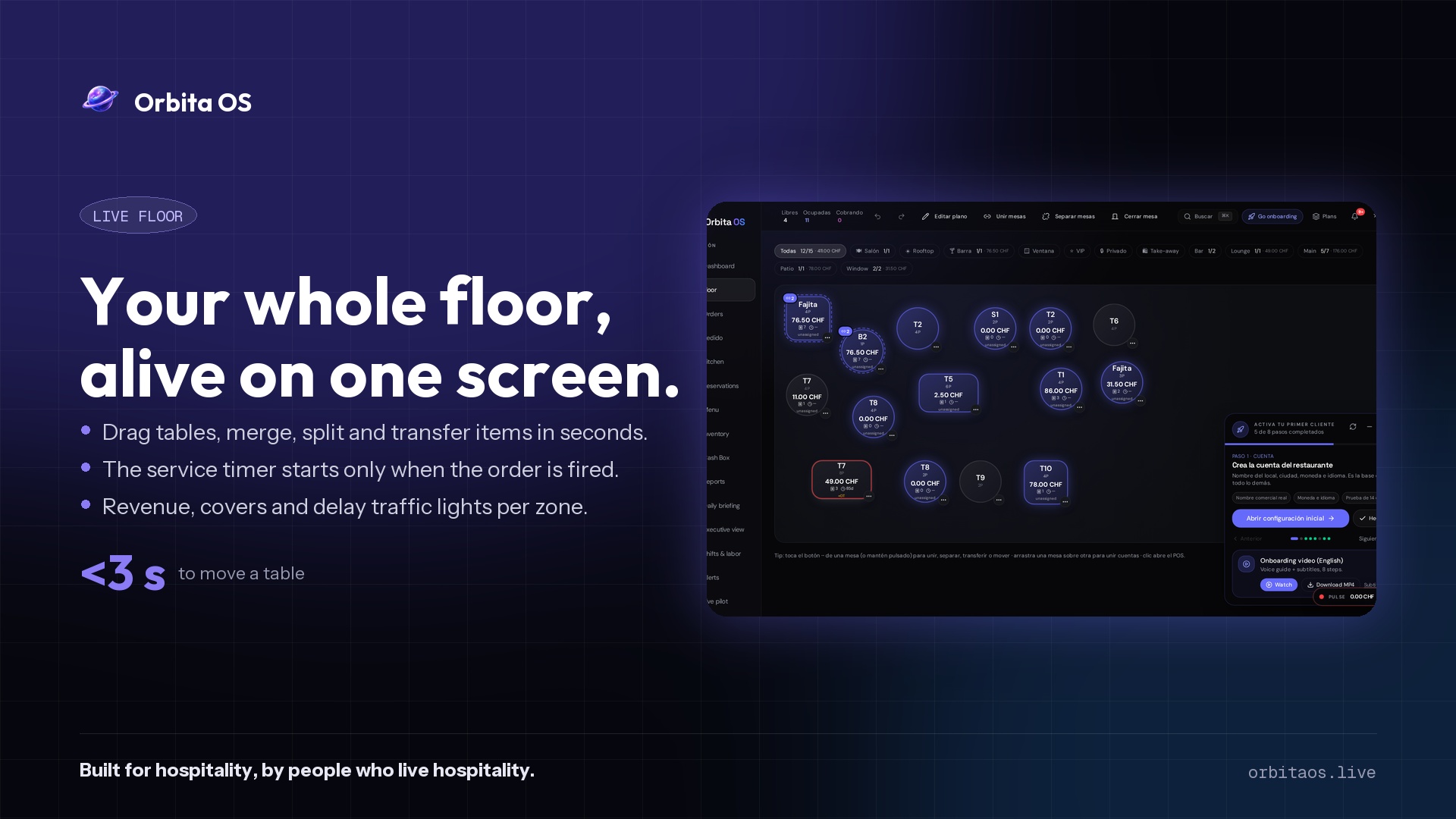
Live floor — mover, unir y separar mesas
1920×1080
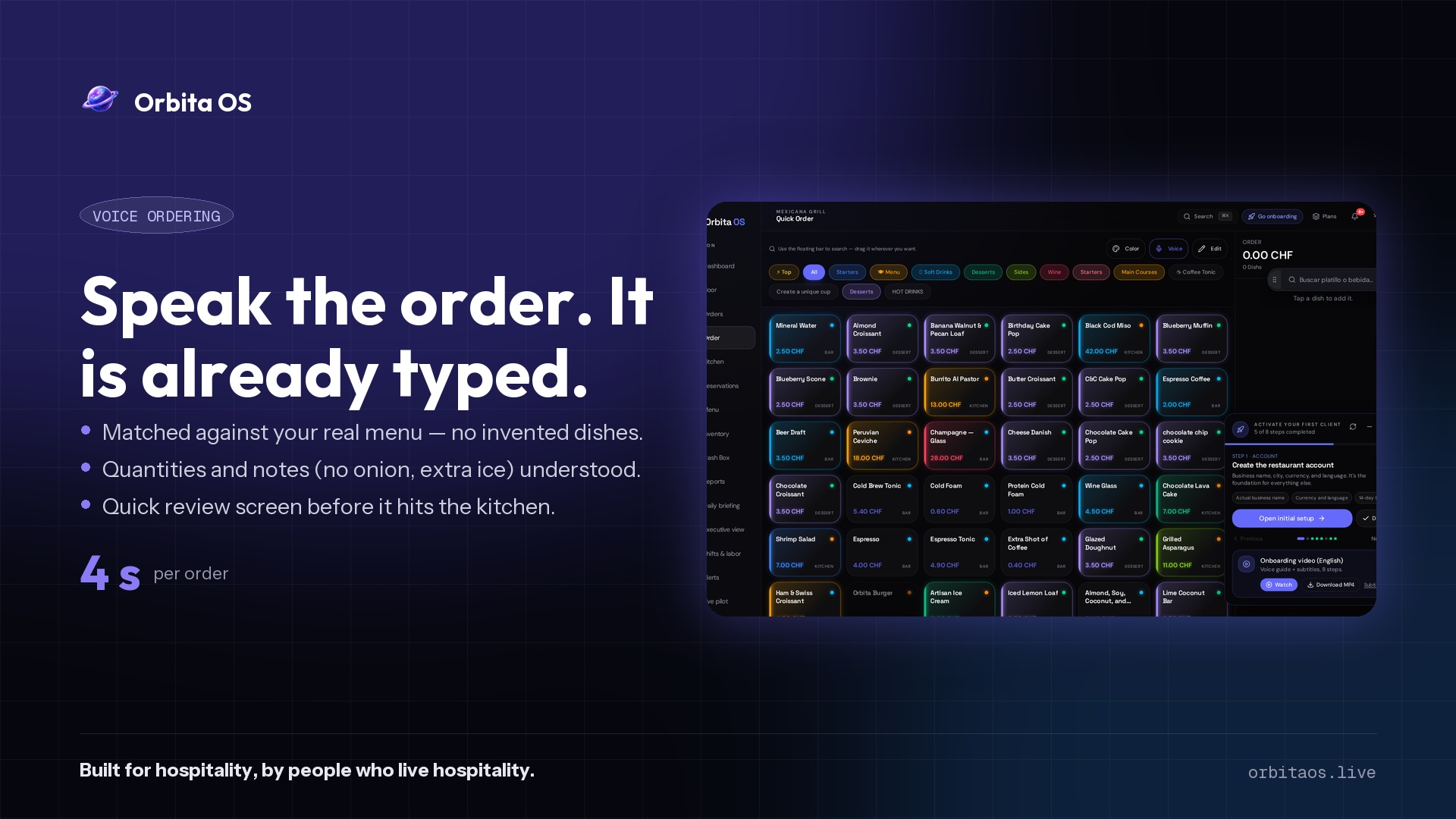
Comanda por voz — 4 s por pedido
1920×1080
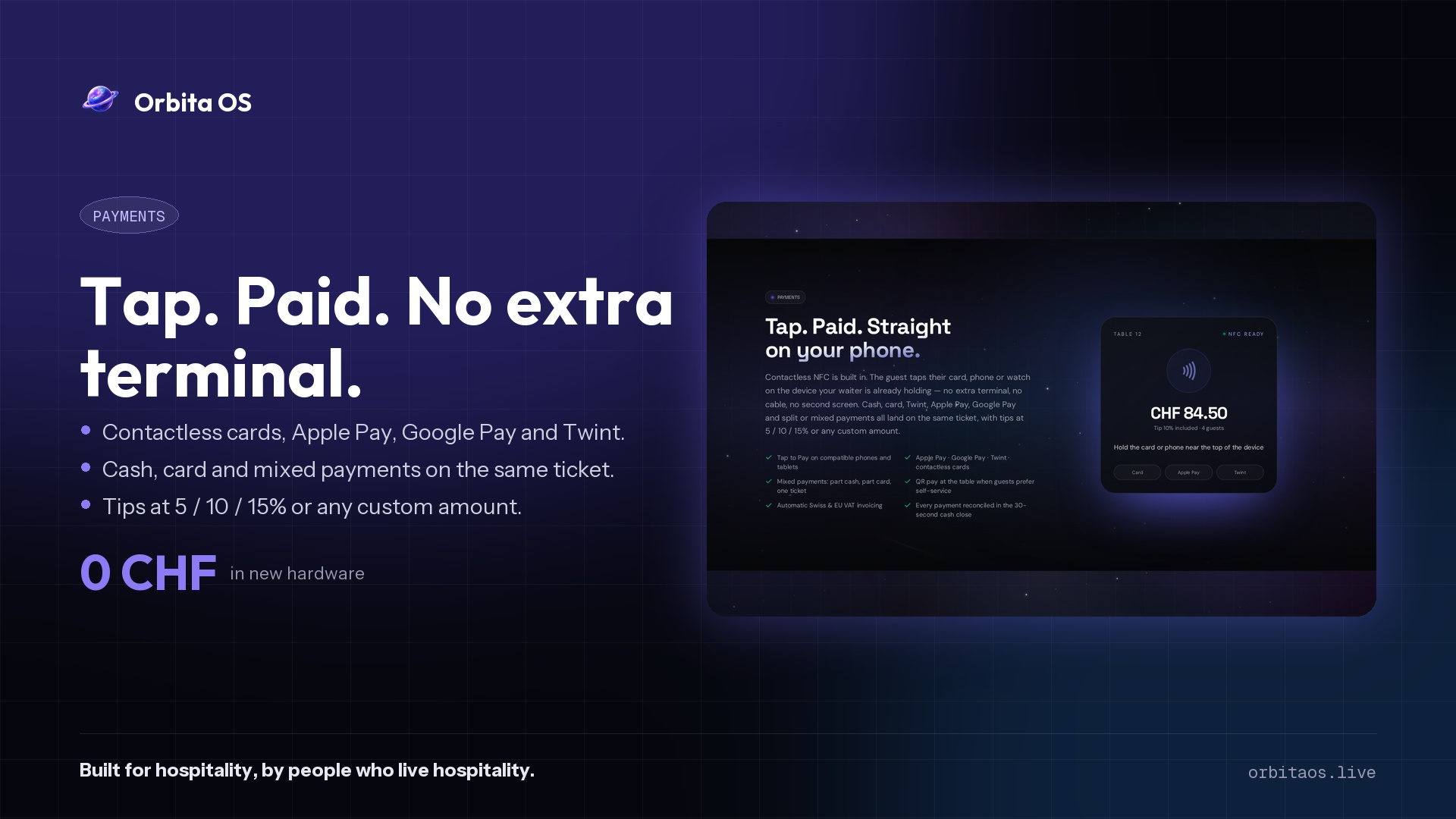
Pagos NFC — sin terminal extra
1920×1080
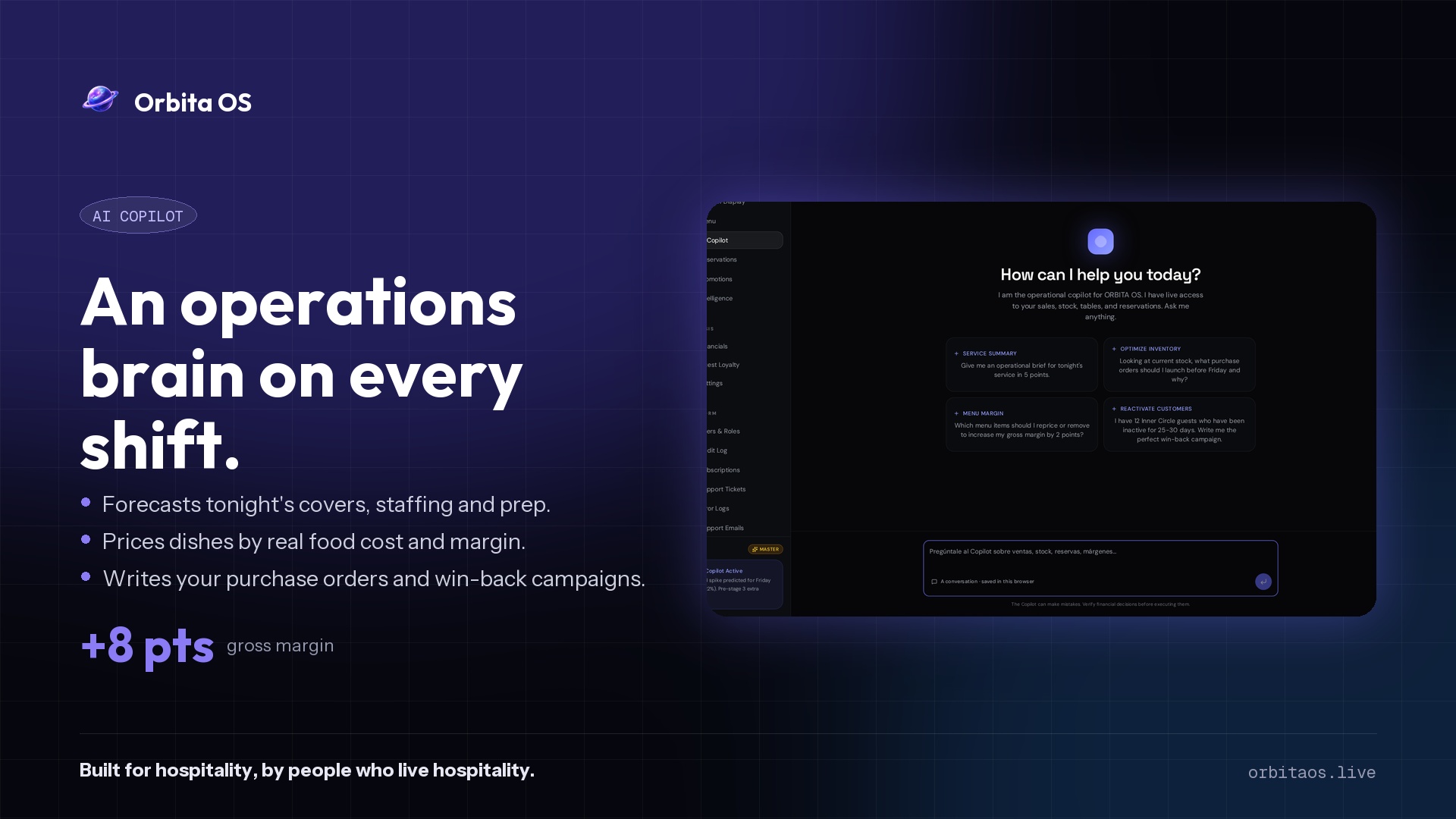
AI Copilot — cerebro de operaciones
1920×1080
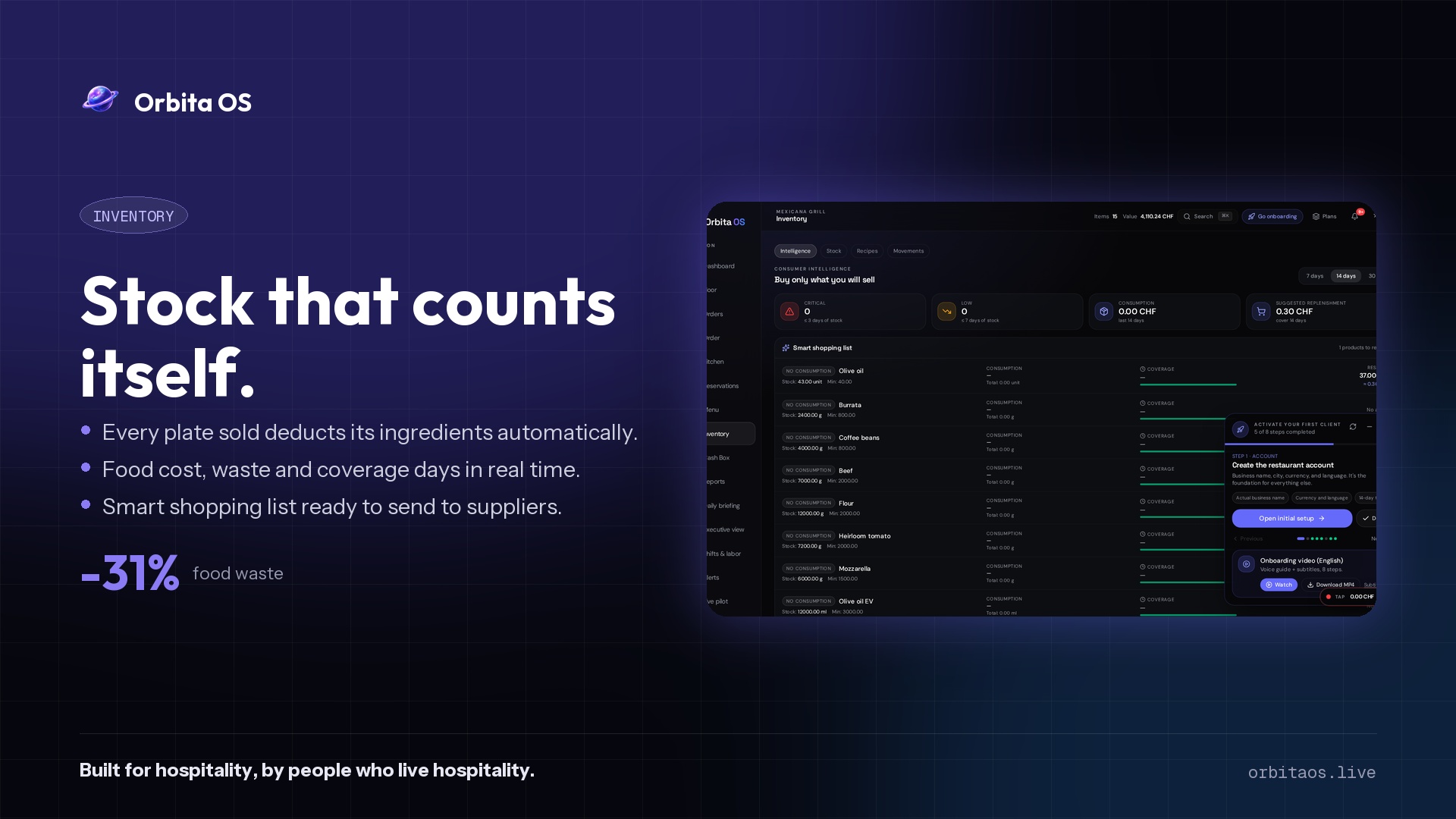
Inventario que se cuenta solo
1920×1080
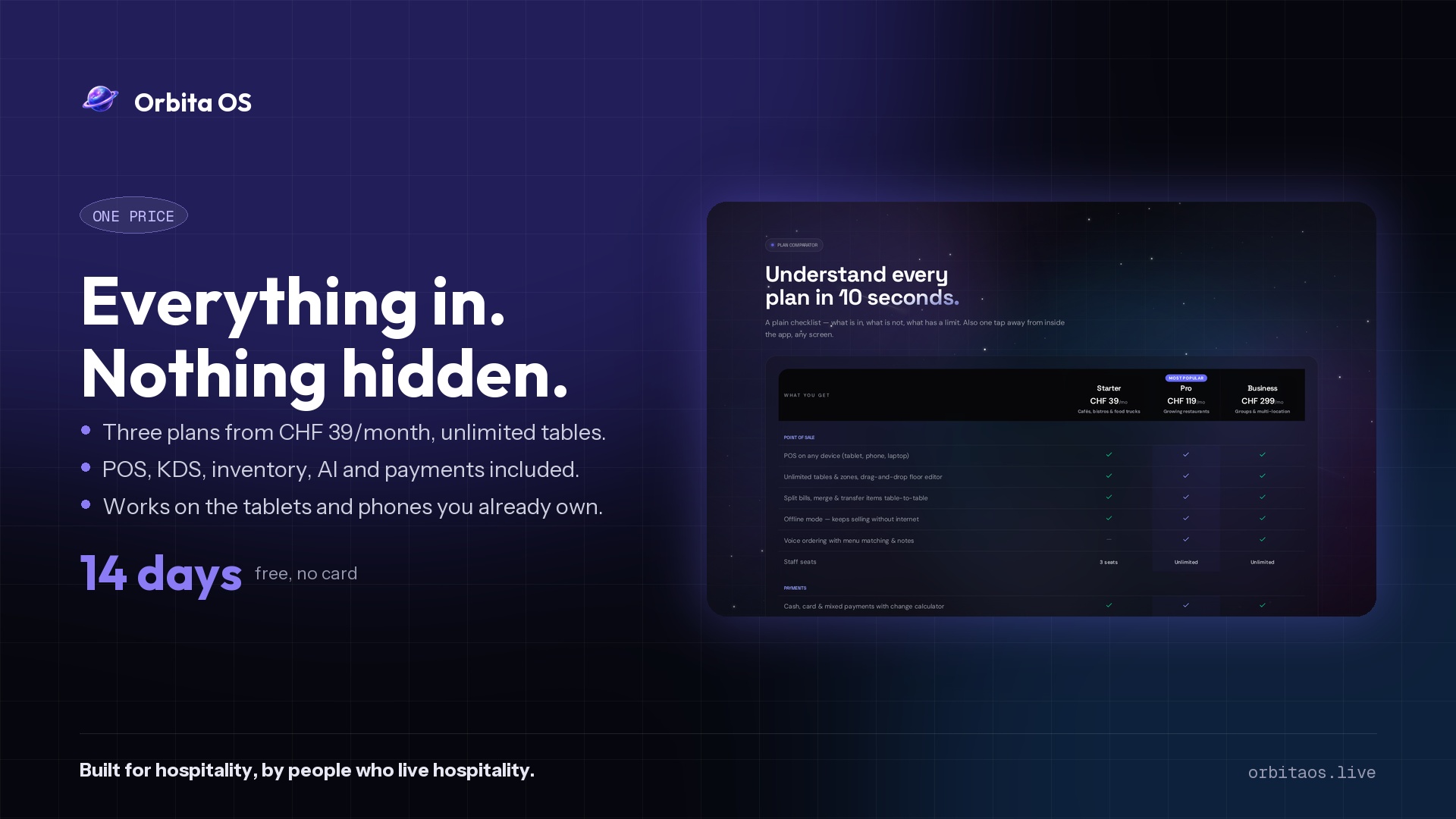
Un precio, todo incluido
1920×1080
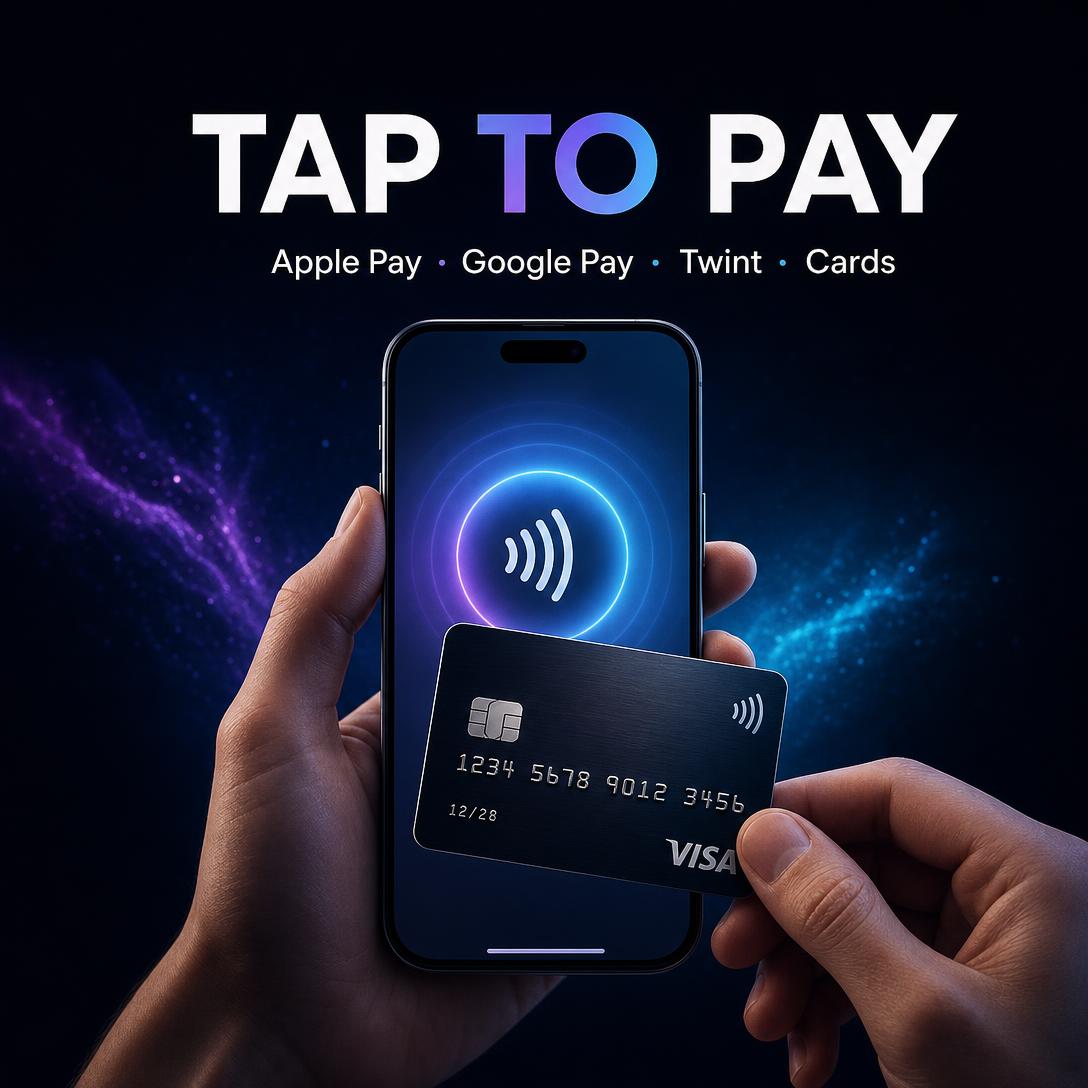
Tap to Pay — Apple Pay, Google Pay, Twint
1080×1080
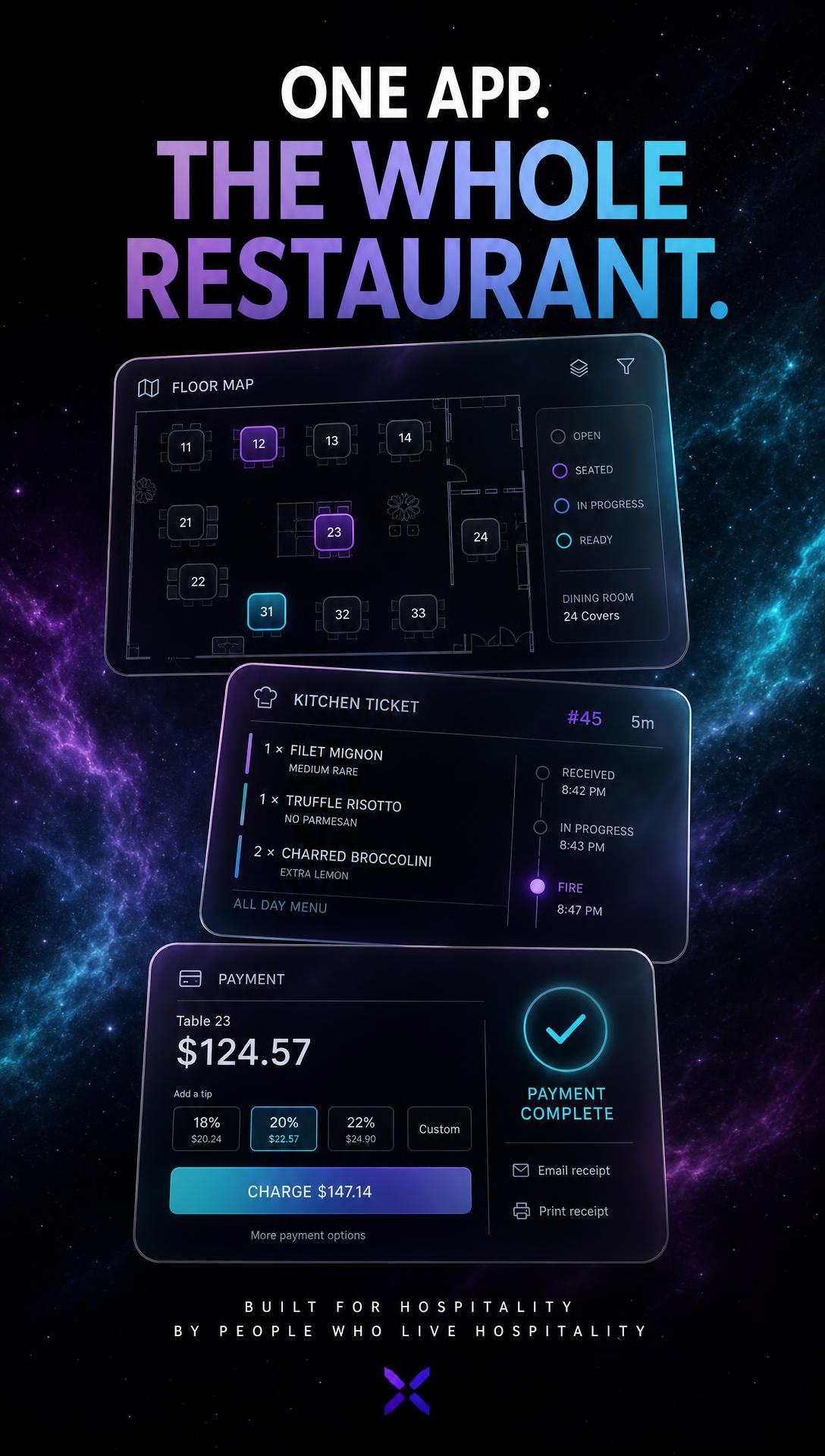
Story — One app, the whole restaurant
1080×1920
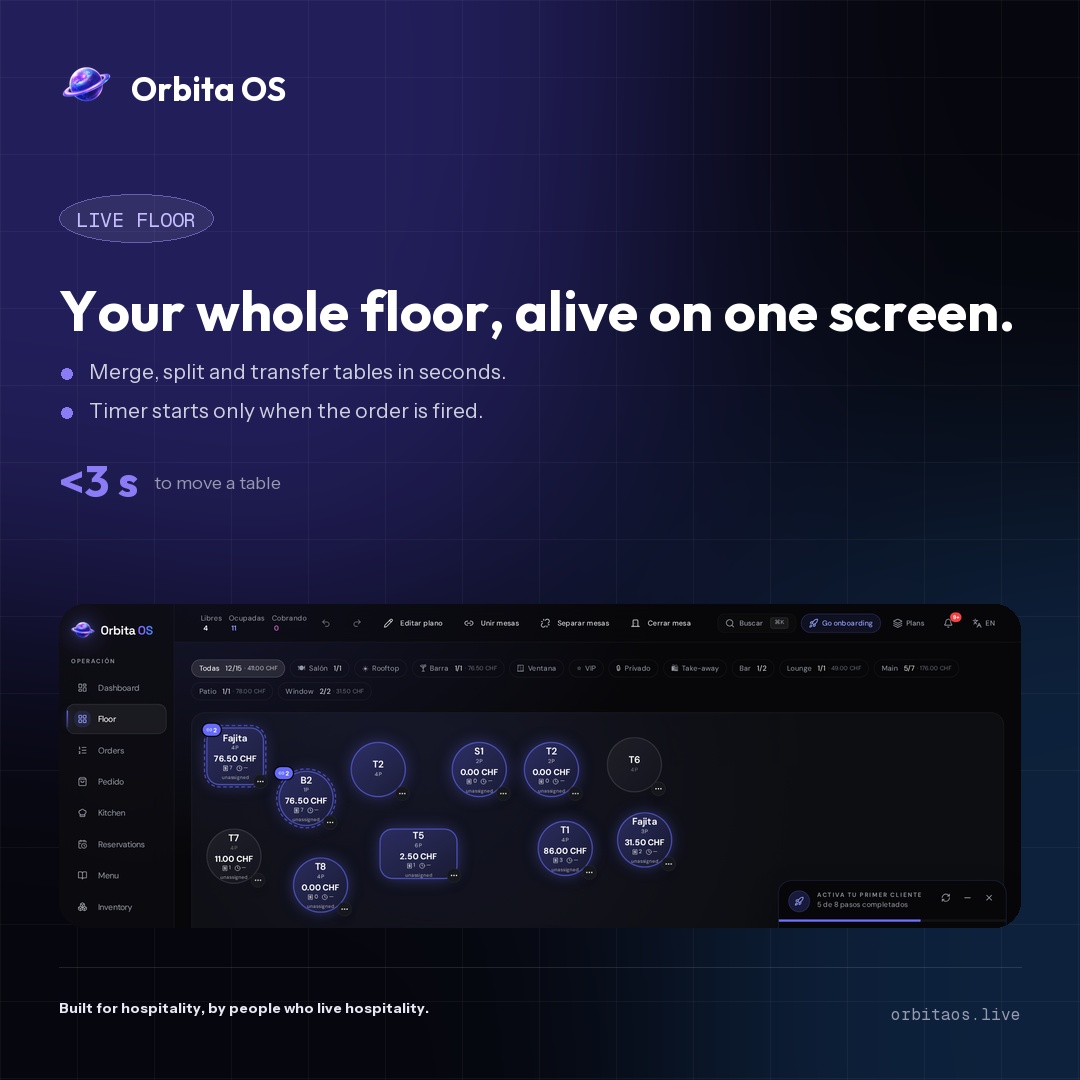
Post cuadrado — live floor
1080×1080
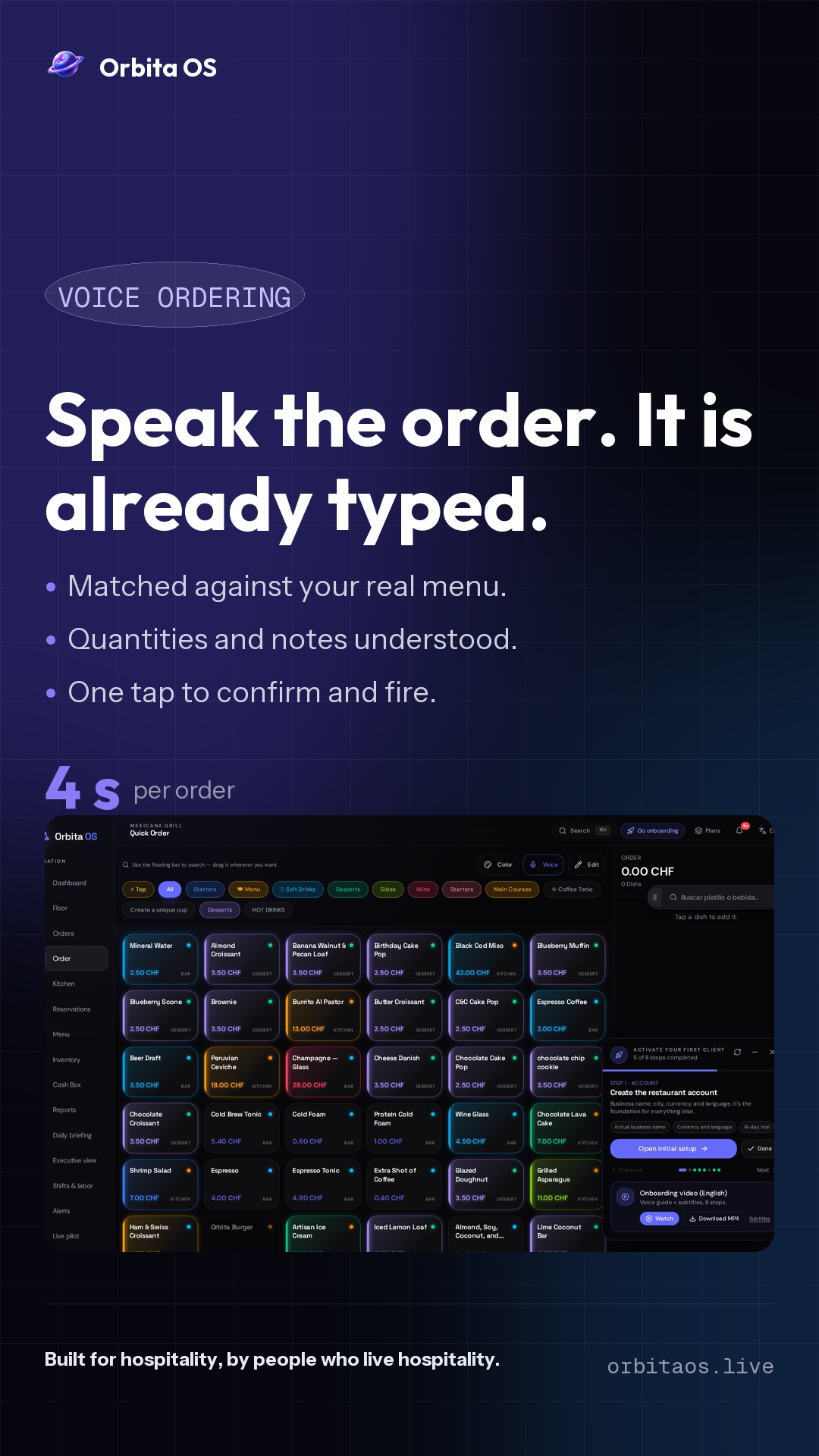
Story / Reel — comanda por voz
1080×1920
3. Headline (220 caracteres)
4. About / Bio
I'm building Orbita OS — the Hospitality Operating System that runs the floor, the kitchen, the cash and the soul of a restaurant in one place.

Born in México. Engineered for the world. Operating across Europe.

→ Real-time floor & KDS
→ AI Copilot for the operator
→ Cashbox, reservations, inventory, billing — one product, zero friction

If you run hospitality and you're tired of duct-taped tools, we should talk.

orbitaos.live
5. Launch post
LinkedIn ya no permite pre-rellenar el texto desde una URL. El botón copia el post a tu portapapeles y abre el compositor — solo pega y publica.
The future of hospitality is in Orbit. 🌌

After years of watching restaurants drown in 7 different apps, I built Orbita OS — one operating system for the entire venue.

Floor. Kitchen. Cash. Reservations. Inventory. AI Copilot.
One product. Real-time. Beautiful.

Built in México 🇲🇽 — Operating across Europe 🇪🇺

If you run a restaurant, café, bar or hotel — this is for you.

👉 orbitaos.live

#hospitality #saas #restauranttech #founders #buildinginpublic
Cómo subirlo (60 segundos)
- 1. Abre tu perfil de LinkedIn → ícono ✏️ del banner → Sube el cover.
- 2. Reemplaza tu titular con el del paso 3.
- 3. En About, pega la bio del paso 4.
- 4. En Featured, agrega el link
orbitaos.livey sube la tarjeta del paso 2. - 5. Publica el post del paso 5. Etiqueta a 3 personas del sector hospitality.